I upgraded to 8 from 7 then got 8.1 through the store.
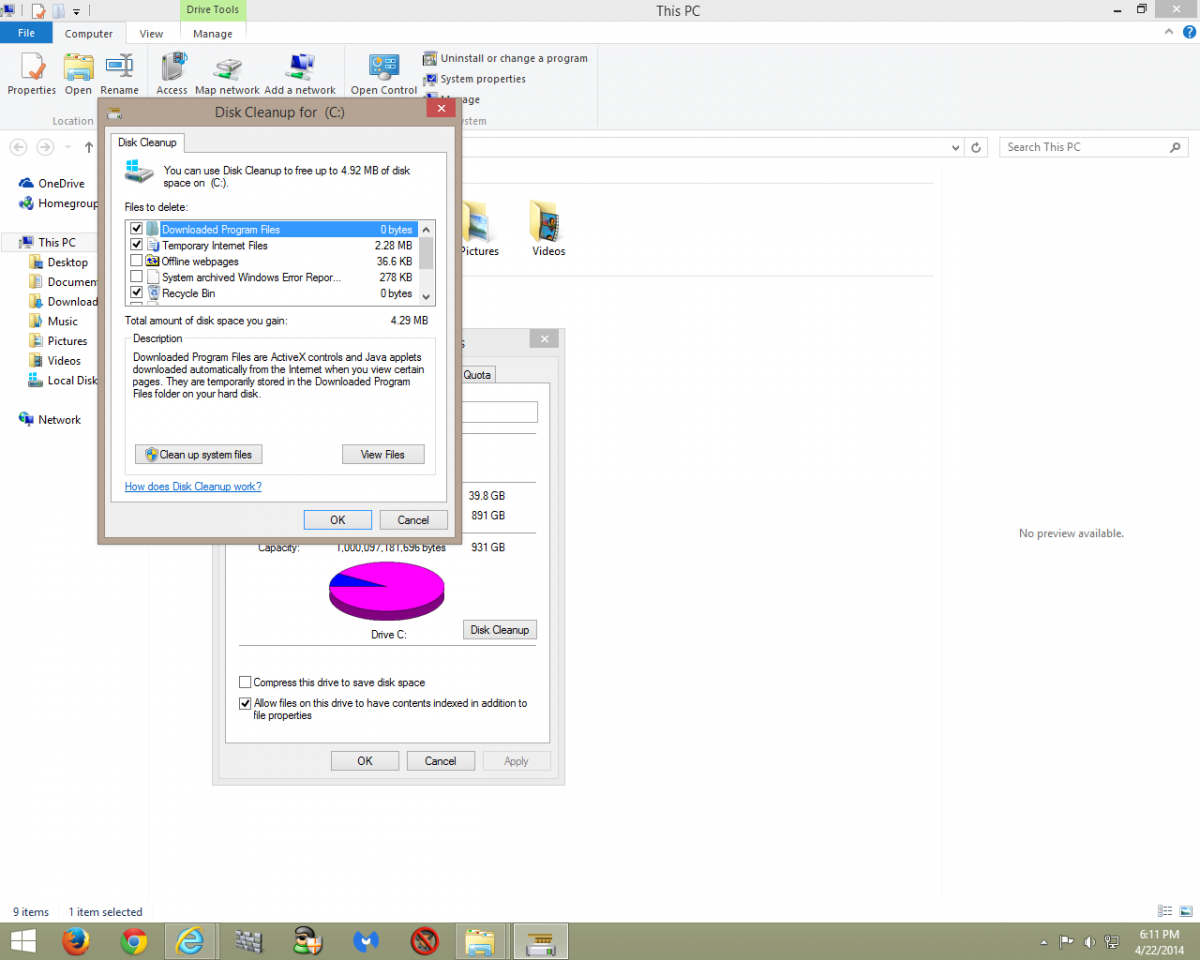
I noticed the 'Windows upgrade log files' in the clean up. It is 101 MB.
If I remove this will it affect any functions such as refresh or reset or anything of value?
I have an iso on disc of 8.1 to refresh but do not want to disturb this.
However, if it is simply taking up space then I would clean it all up.
Shouldn't have any effect.
What is the full path name?
Since it's only 100MB, why delete it? Never know, you might want to refer to it later on.
Yes, 101 MB is a relatively small space so I asked about its usefulness or lack of it.
I am not sure how to trace the path but I do think keeping it is a wise option.
How could I check the path and how/why would I refer to it later.
I am going to keep it so the questions are for learning purposes only if you are busy.
Not sure you will ever need to refer to it but I hate deleting log files as it seems as soon as I do I have a problem where the log file might have contained some data that could help.
What clean up are you doing? Doesn't it provide the path to the files it will clean up?
Rich
I had a problem with a laptop which I finally resolved. They are tougher than desktops as you know.
In doing so I was cleaning up and noticed; start>PC>disc cleanup and when it runs there is another system clean up in the lower right.
I had not noticed that one before so when I saw the entry I mentioned I was curious as to what to do.
I will leave it to refer to if necessary and all is running well.
Those tutorials on YouTube can be valuable as far as taking a laptop apart.
I was over heating but cleaning and lowering the power management by one degree made all the difference.
Peter
This is the place I found ," clean up system files", although I forget to scroll further down to show the entry I was inquiring about.
Ah, I see. Windows upgrade log files. I'd leave em for now.