Let's try again to repair that corrupted XP installation, but with a different (and safe) method.
Boot your machine Normally, into the original "corrupted" XP.
Next
Go to:
Start - Run - (type)sfc /scannow - Press Enter <— notice the space between "c" and "/"
Have the borrowed XP Installation CD available, since SFC will probably call for it to be inserted into your CD-ROM drive in order to copy original files to replace any that are missing or corrupted.
Keep us posted on your progress.
________________________________
If that doesn't help, you can run a Repair Installation of the same "corrupted" XP from the Recovery Console.
(Don't install yet another copy of XP, rather run Repair Installation ® on the "corrupted installation.)
Repair Installation is designed to be "non-destructive" and it is expected that your files and documents will remain untouched. …. but no guarantees.
____________________________________
Next
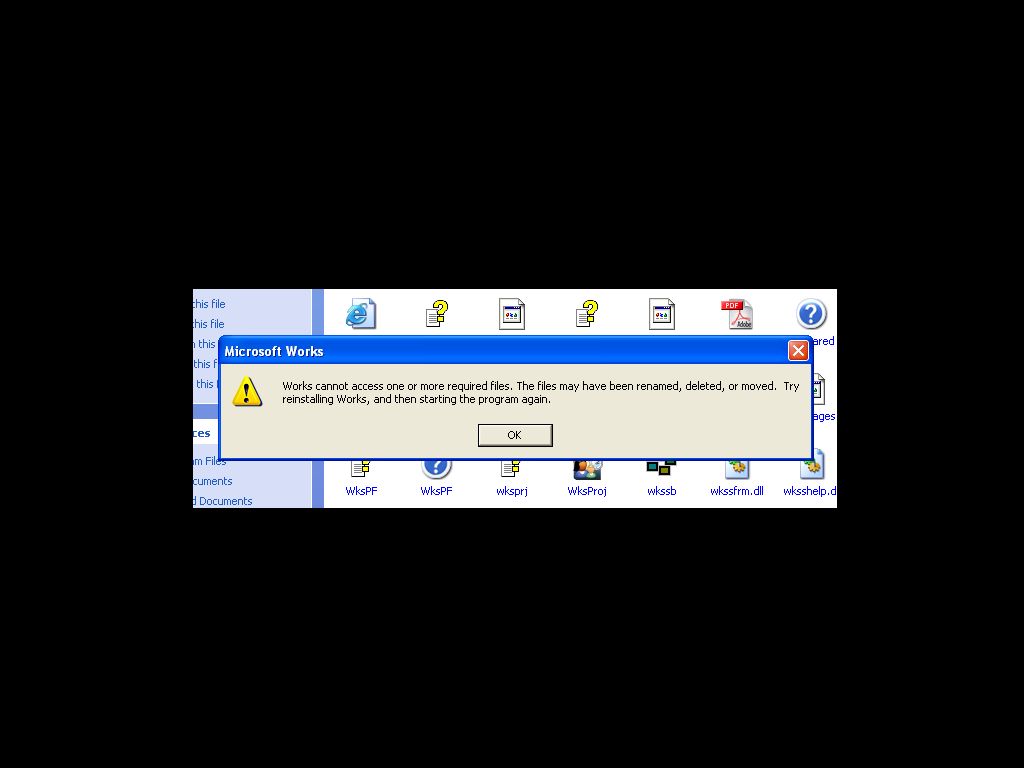
Do you have access to an MS Works Installation CD set?
MS Works will have its own Product Identification Key that will be printed on the outside of the Installation CD box or envelopes. You can probably use that Product Identification Key to install Works. Microsoft hasn't been very worried about Works, since they are more worried about pirated copies of the more expensive Office.
If you have the installation CD's for Works, we can try Uninstalling Works and Reinstalling Works
Doing so may help you gain access to the files you wish to retrieve.
___________________________
Next,
about actual DATA Recovery (finding and retrieving deleted or corrupted files like documents and pictures)
There are (free) utilities that you can use, and (paid) utilities you can buy to use.
Here's some recommendations:
Restoration from SnapTools (recommended by Woody Leonhard, of Brian Livingstons Windows Secrets NewsLetter)
You can Download Restoration, here:
http://www.snapfiles.com/get/restoration.html (free)
“Restoration” is a good utility, and free, but only allows for restoring one file at a time and has a somewhat awkward user-interface.
Another (free) utility that I have used successfully is:
PCInspector (Free)
http://www.pcinspector.de/file_recovery/UK/welcome.htm
Of the Paid utilities:
RecoverMyFiles from GetDATA is the best, and medium priced at $69.95
You can download a trial version that will allow you to "view" recoverable files, but not actually "save" them until you pay the fee and activate your Trial Version - to Full Version status. So you get a "preview" of what you will be paying for if you decide to purchase the product.
http://www.recovermyfiles.com/
_______________________________________________
If you decide to try out some of the free or paid File Recovery products:
If you decide to run a Software Restoration solution, please remember to do so from a separate Disk.
You only want the restoration program to “read” from the drive that has your lost data.
You do not want it to be installed over or over-writing the very information that you are trying to recover. The more times your data gets over-written, the less likely you can recover it.
You can run File Recovery products from a "separate disk" by installing the product into the "known-good" computer that you have available, then place the "corrupted" Hard Drive back into that known-good machine as Slave. Run the File Recovery product from the known-good computers C:\ drive while "searching" on the corrupted drive, so that you don't "overwrite" any files you wish to recover.
Best Regards

 But all is not lost!
  Let me think about this situation a bit more.
I'm tempted to just recommend a free software "data recovery" utility for you, but want to check on some other factors first.
If you happen to be thinking along the same lines, and take/or have taken the initiative to get a data recovery software……… Be absolutely certain that you are not "running" the "data recovery software" on/from the defective Hard Drive. Run it only from the "known-good" Hard Drive!
Back to you later.
Best Regards
Let me think about this situation a bit more.
I'm tempted to just recommend a free software "data recovery" utility for you, but want to check on some other factors first.
If you happen to be thinking along the same lines, and take/or have taken the initiative to get a data recovery software……… Be absolutely certain that you are not "running" the "data recovery software" on/from the defective Hard Drive. Run it only from the "known-good" Hard Drive!
Back to you later.
Best Regards