Hi all, So about 12 Years ago I had a son and love him to this day. However, now that he has a windows laptop and I went all apple for peace and simplicity, I am back. There is a slight change I will be forced to eat him by days end but time will tell. I guess the best thing to do is ask for help. Thus I am asking for help. I have worked well over the years with Juliet and LD Tate mostly but there have been others. I guess my point in saying that is I like humor and I cut up a bit. At this time I am going to turn this over to my son and the two of you, or however many it takes in this village to fix his computer. I feel if he is going to be responsible enough to have a computer he needs to know how to do what you all do and to gain pride in his abilities. I will look in on him and help where I can; so thank you all very much and here he is.
Aight, yo. So, around Christmas I got an HP Pavilion Gaming Laptop. Intel i5 core, NVidia GEforce GTX. 8GB DDR4 system memory. Is used for gaming and watching movies. Recently, I was playing some Team Fortress 2 and the screen froze, then went black. It waited for a moment then displayed the rough equivalent of the following notification. "Your PC has experienced an issue. Please wait while we gather information on this error." It was confusing, but I waited and then successfully logged back in and continued playing. Well, as of today, the same thing happened. I was playing some good old Minecraft and the screen froze. Then the notification popped up. Everything was normal until I attempted to log back in. The PC accepted the password, started acting like it was going to log me in…and 3 minutes later it showed me the blue notification that I had encountered an error. This continued multiple times. My dad tried to access safe mode with networking and safe mode without networking via F11. These did not work. He tried about everything he knew for windows. Earlier I had messed up my PC by overheating it, and once by having too many applications open. Don't know if this is important, but will add it in incase it is. I did turn off the PC by holding down the power button for 5 seconds, twice I think. Twice at most. My dad did it once.
*NOTE: Dad just told me to tell you all that I've gotten a "troubleshoot blue screen error." No idea what it is. Also, there is a stop code saying, and I quote, "SYSTEM_SERVICE_EXCEPTION"*
when I boot I can go to log in screen. Once I do I get the error message in image. I can hold f11 and boot to safe mode but once that actualy boots I go to normal log in screen. I never seem to go to a true safe boot. I, the older of the two people here, am not versed past windows XP and am used to seeing a blue screen at safe boot.
My instructions for the tool might be a bit out dated but I think you can follow through.
Disable all your antivirus and antimalware software - see how to do that from here
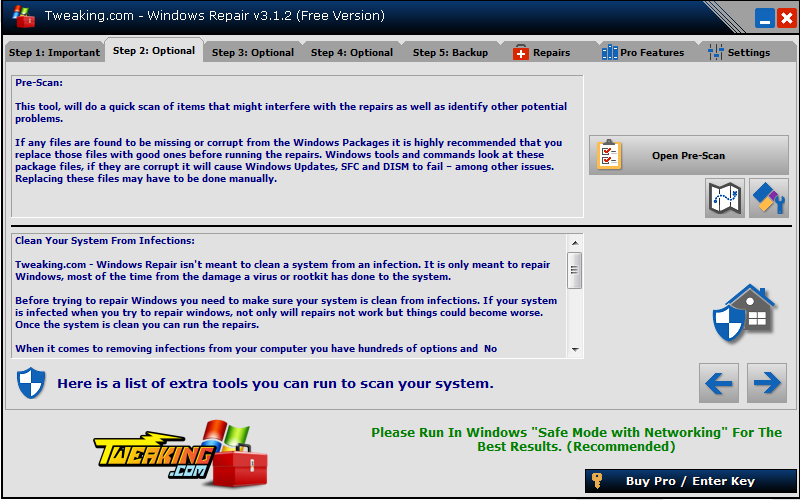
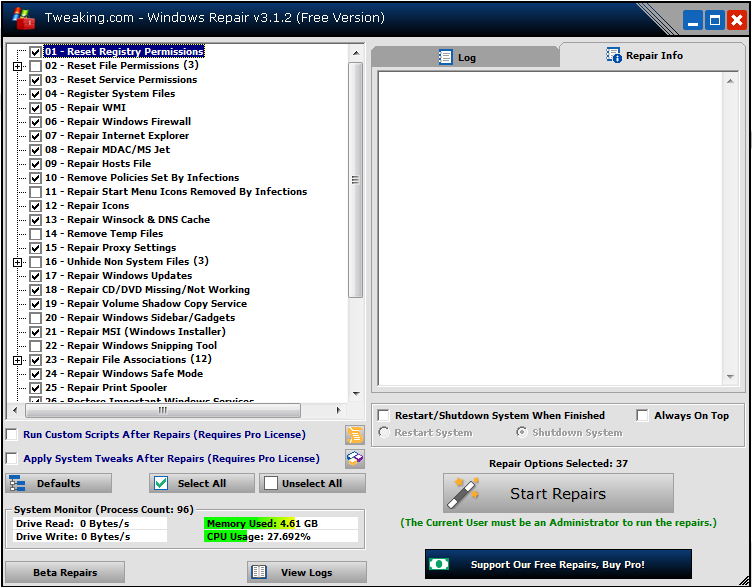
- Right click on 🖼Click to load external image (QfBzvq1.png) and select Run as Administrator (XP users just double click) to start Windows Repair All-In-One. (Windows Vista/7/8 users: Accept UAC warning if it is enabled.)
- Click the Open Pre-Scan button, then click Start Scan. Wait for Windows Repair to finish scanning.
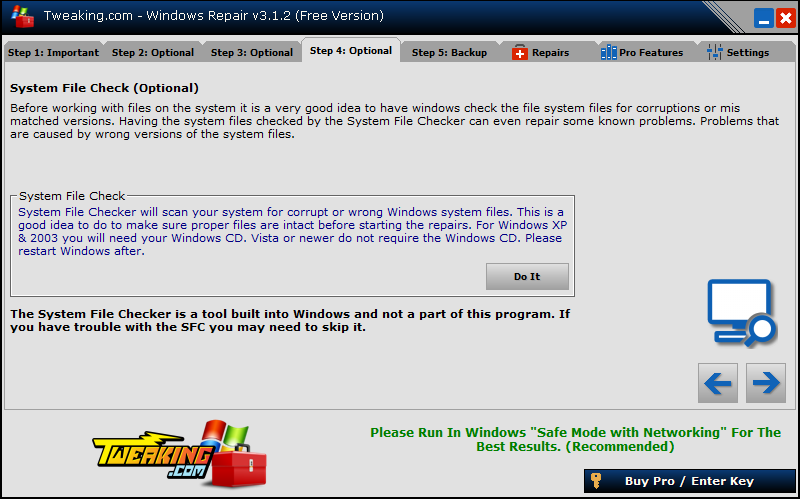
- Depending on which error Windows Repair found, click Repair, Repair Reparse Point or Repair Environment Variable accordingly. When the button changes to "Done!", click the close button to return to Windows Repair.
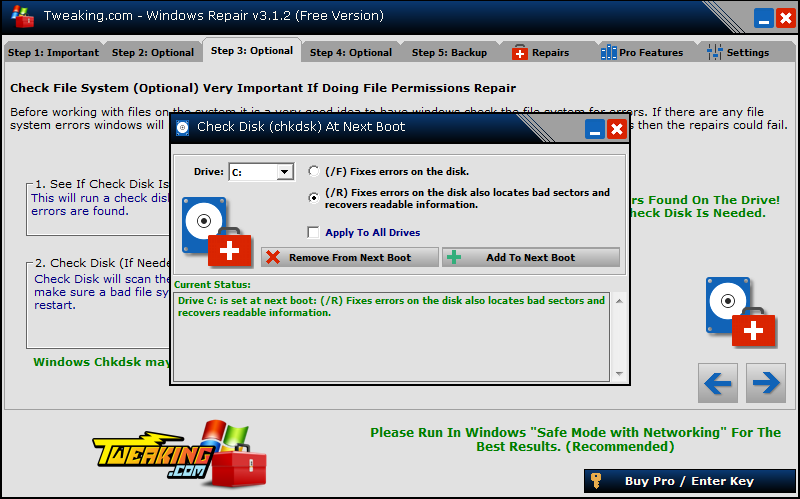
- If Windows Repair stated that errors are found, click Open Check Disk At Next Boot. Choose (/R) Fixes errors on the disk also locate bad sectors and recovers readable information, then click Add To Next Boot. Reboot the computer to let Windows check the disk. https://i.imgur.com/Ymy7crZ.png
- By default Windows Repair All-In-One will create a "Logs" folder in its folder on the Desktop. Please post the contents of the log in your next reply.
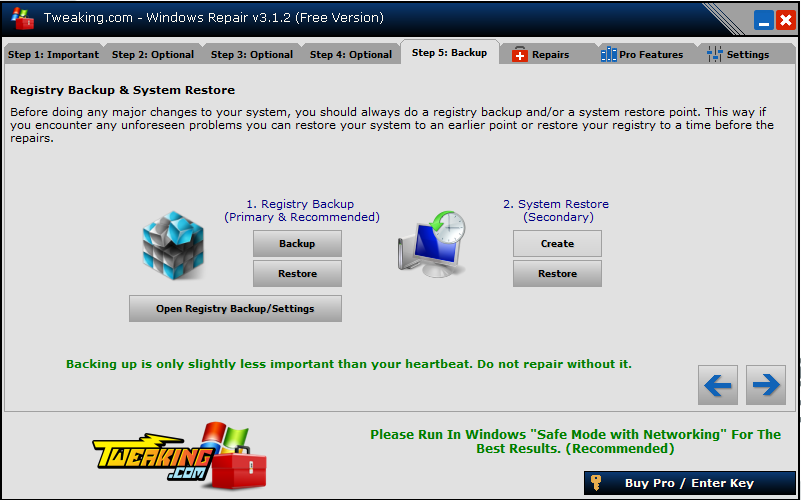
At this point Juliet, we cannot get past the blue screen image I gave above showing the error. Perhaps I should go to a system restore point and at least be able to log on?
You can absolutely try a system restore, will not hurt a thing but, I want you from here to also post in the Windows forum to see if the tech guys in there can figure out whats happening too.