rb56
the second time i right clicked on the file this is what opened…
[attachment=17718:osi.jpg
18 min read
the second time i right clicked on the file this is what opened…
[attachment=17718:osi.jpg

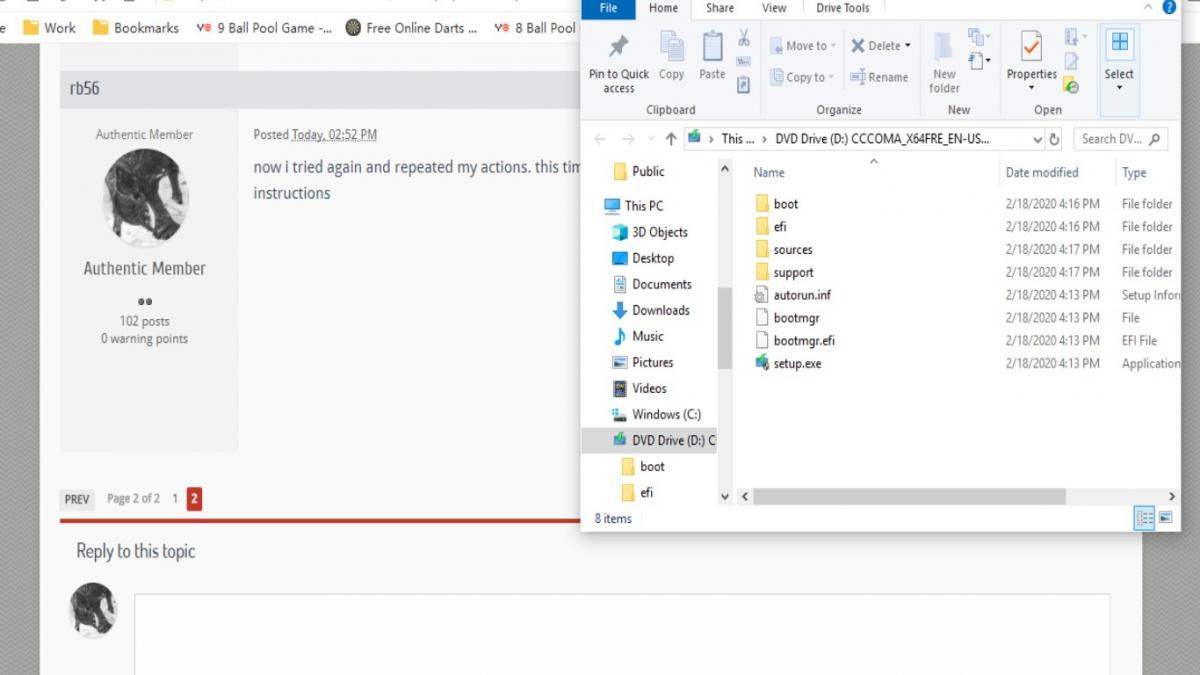
ok Z i started the setup.exe and it ran for a minute and said windows would now restart but hasn't. also didn't i read somewhere that restart would unmount the iso? right now pc is doing nothing, do i restart it manually?
It shouldn't restart until after doing some installation steps, like copying all the necessary file to the hard drive, then when it restarts it continues the install from files on the hard drive.
Did you go through all the steps, 9, 10, 11, 12, 13, etc?
ok i just opened setup and let it start running and ran for a cpl minutes then prompted me to something to click next and i did, then it ean a cpl more minutes. where can i look to see f it installed/
ok i see now in 8. i was to click on change how windows installs but i clicked next…i didn't know to click that but that's when it quit
can i try to run setup again?
is it ok to open setup again and let run and this time i know which selections to make?
ok i ran setup.exe again this time knowing what windows would come up and what to do. i did just as the directions told. it got to 69%of the windows install and the little window came up "windows instillation has failed." that was all. awaiting any further instructions if there's any to give.
SetupDiag is a standalone diagnostic tool that can be used to obtain details about why a Windows 10 upgrade was unsuccessful.
SetupDiag works by examining Windows Setup log files. It attempts to parse these log files to determine the root cause of a failure to update or upgrade the computer to Windows 10. SetupDiag can be run on the computer that failed to update, or you can export logs from the computer to another location and run SetupDiag in offline mode.
Click on SetupDiag above, download and run it. Zip and upload SetupDiagResults.log once it completes so I can look at it.
Edit: I ran it on my system, zipped it and uploaded it here. It won't show any errors because I had a successful update.
i think i did this right…
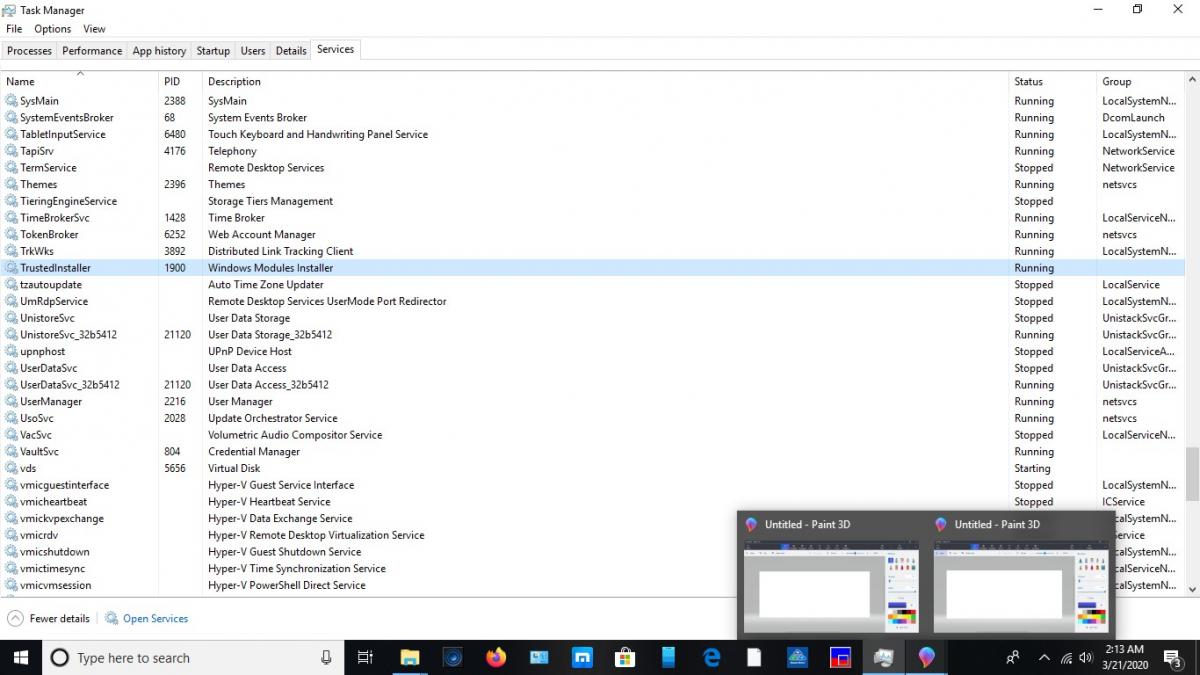
just an fyi or fwiw i guess but i saw the article about windows module installer in the discussion on failed installs and so i looked up in task manager and found in services trusted installer was not running. just out of curiosity i thought i'd start it and retry the win10 install with setup.exe. i'd hoped there would be a change but again at 69% of the install it failed even tho trusted installer was still running in task manager services.win10setup.jpg
Do you have your data backed up, preferably an Image Backup using Macrium Reflect or similar to an external hard drive? I think it'ws time to give up on trying to upgrade and do a Clean Install which means deleting all partitions during the install process so you are install to a blank, unallocated disk. You let the installer create the partitions it needs.
Once that completes, do an immediate Windows Update, then you can copy your data from the back media to your computer. You will have to reinstall all software and restore all data.
Follow this tutorial: Clean Install Windows 10
You can use the same USB flash drive you currently have. The difference is you boot it instead of starting setup.exe from your booted Windows 10 system.
ok so i'll need like a new dvd disk right? i thinki used macrum (it's on my desktop) to back my files up to my exh drive before…sorry i was away
New DVD Disk? I don't understand. Why would you need a new DVD disk? \
As I said:
Follow this tutorial: Clean Install Windows 10
You can use the same USB flash drive you currently have. The difference is you boot it instead of starting setup.exe from your booted Windows 10 system.
Follow the instructions in the tutorial. We've been here before. Hopefully this time you can make it through.
This topic is from the What the Tech archive and can't take new replies. Geeks to Go is an active, free help community run by volunteers. Post your question there and a person, not a bot, will work through it with you.