ken545
You may want to bypass Edge and revert back to IE, never been a fan of Edge anyway. One thing you may want to try is clicking on the Windows Logo ( bottom very first Icon to the left on your taskbar ) and see if it wiil work from there.
You still have Chome working and Firefox is an excellent brower also,
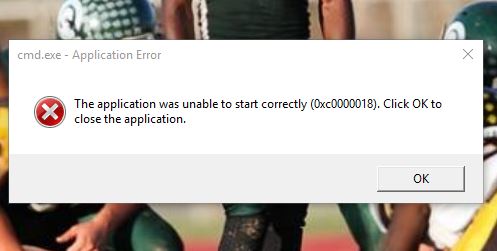
At this point we cleaned you up fairly well and I dont believe that malware is causing this issue, since this forum is for Malware Removal only I would post in our Browsers, Internet and Email forum and see what they come up with. You can link them to this thread so they can see what we have done so far.
https://forums.whatthetech.com/index.php?showforum=123
Double click on AdwCleaner.exe to run the tool again.
- Click on the Uninstall button.
- Click Yes when asked are you sure you want to uninstall.
- Both AdwCleaner.exe, its folder and all logs will be removed.
==========================================================
Open up Malwarebytes
- On the Dashboard…click on History
- Then click on Quarantine
- Make everything is checked
- Then click on Delete All
- Close out Malwarebytes
==========================================================
Please download DelFix and save the file to your Desktop.
[external image: DelFix_zps139e2ea1.jpg]
- Windows XP Double Click DelFix.exe to run the program.
- Windows Vista > Win 7 > Win 8 Right Click on DelFix.exe and select RUN AS ADMINISTRATOR
- Checkmark " Remove Disinfection Tools"
- Click the Run button
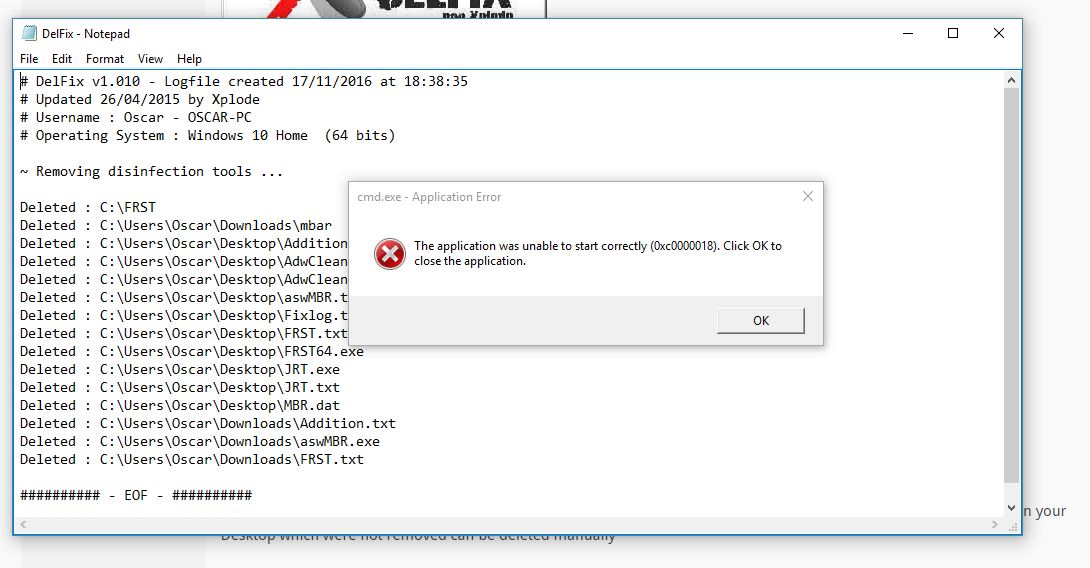
This will remove the specialised tools we used to clean your system. Any leftover logs, files, folders or tools remaining on your Desktop which were not removed can be deleted manually
So How did I get infected in the first place <– Some reading for you to keep yourself safe online
Safe Surfn
Ken

 Thats good you figured it out but I have Malwarebytes Anti Exploit installed as well and it not interferring with any of my browsers …