Essexboy
OK this is going to die - nothing beats me if I can help it 
Download AVPTool from Here to your desktop
Run the programme you have just downloaded to your desktop (it will be randomly named )
First we will run a virus scan
On the first tab select all elements down to Computer and then select start scan
Once it has finished select report and post that.
[external image: Posted Image]
Do not close AVPTool or it will self uninstall, if it does uninstall - then just rerun the setup file on your desktop
Now an analysis scan
Select the Manual Disinfection tab
Press the Gather System Information button
Once done Open the last report saved folder then attach the zip file to your next post zip
The file is located at C:\Users\your name\Desktop\Virus Removal Tool\setup_9.0.0.722_05.01.2011_20-34\LOG\avptool_sysinfo.zip
[external image: Posted Image]
Download AVPTool from Here to your desktop
Run the programme you have just downloaded to your desktop (it will be randomly named )
First we will run a virus scan
On the first tab select all elements down to Computer and then select start scan
Once it has finished select report and post that.
[external image: Posted Image]
Do not close AVPTool or it will self uninstall, if it does uninstall - then just rerun the setup file on your desktop
Now an analysis scan
Select the Manual Disinfection tab
Press the Gather System Information button
Once done Open the last report saved folder then attach the zip file to your next post zip
The file is located at C:\Users\your name\Desktop\Virus Removal Tool\setup_9.0.0.722_05.01.2011_20-34\LOG\avptool_sysinfo.zip
[external image: Posted Image]


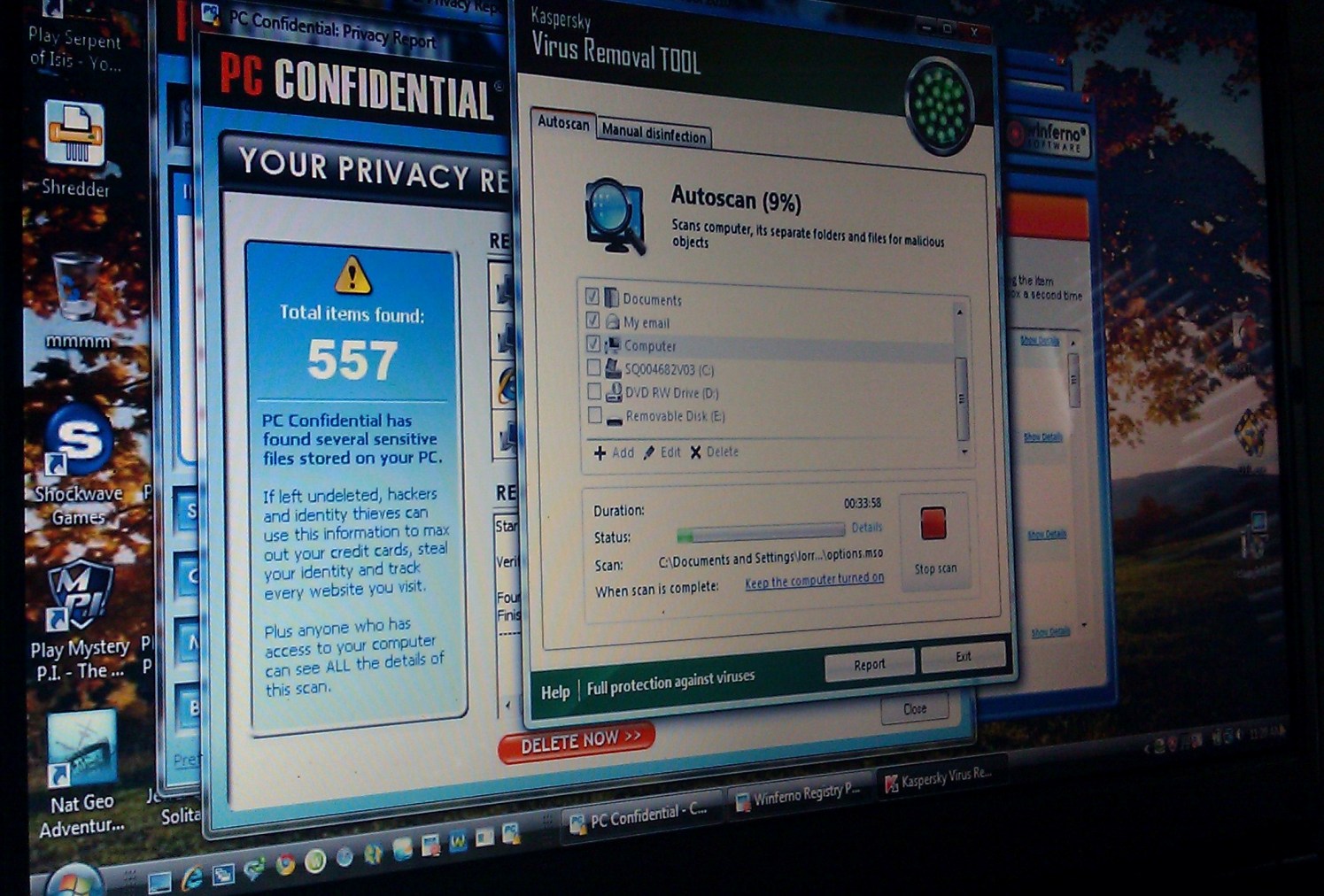
 Sooooo, we are now running the 3 hour long autoscan process with Kapersky again…. AFTER running the scrip you gave me.
About ready to wipe this dang thing! LOL!
Sooooo, we are now running the 3 hour long autoscan process with Kapersky again…. AFTER running the scrip you gave me.
About ready to wipe this dang thing! LOL!